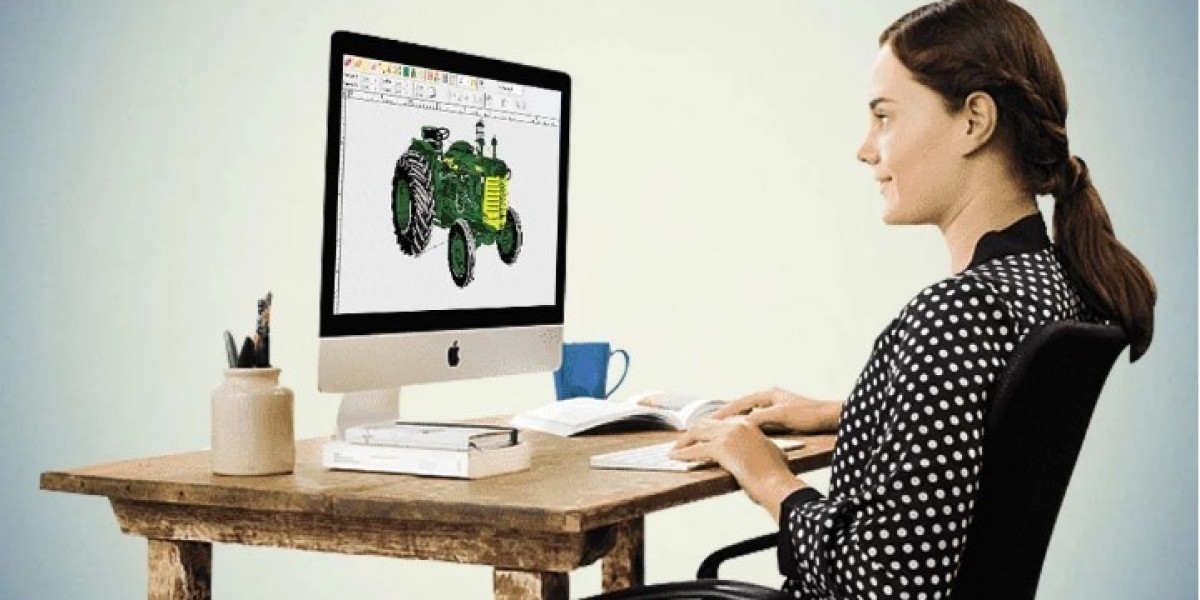

Many people want to turn their business logo into embroidery without spending a lot of money. It sounds easy because there are many free tools online. However, embroidery machines cannot read image files like JPG or PNG. They need embroidery files that contain stitch instructions. A good embroidery file helps the machine create clean and smooth stitching.
Many beginners try to convert logo artwork into PES files for free using online tools. These tools can help with very simple designs, but they often cannot produce professional embroidery files. Skilled digitizers manually rebuild every design using embroidery stitches. They choose the correct stitch types, stitch direction, stitch density, underlay, and pull compensation. This creates a PES file that performs much better during embroidery.
What Is a PES File?
A PES file is a machine embroidery file.
It is commonly used by Brother and Baby Lock embroidery machines.
The file contains stitch information instead of image data.
It tells the machine:
Where stitches begin
Stitch direction
Color changes
Jump stitches
Trim commands
Stitch sequence
These instructions allow the embroidery machine to create the design correctly.
Why Images Cannot Be Used Directly
Images are made from pixels.
Embroidery machines cannot understand pixels.
They only understand embroidery stitches.
That is why artwork must first be digitized.
Professional digitizing converts artwork into stitch instructions.
Can You Convert Logos for Free?
Yes, there are free tools available.
However, their results vary.
Simple logos may convert fairly well.
Complex artwork usually requires professional editing.
Free software often struggles with:
Small lettering
Fine details
Smooth curves
Stitch quality
Professional digitizing usually produces much better results.
Free Conversion Software
Several embroidery programs offer free or trial versions.
Some programs include:
Basic auto-digitizing
Simple editing
Limited embroidery tools
These programs are useful for learning.
However, they often require manual adjustments afterward.
Online Conversion Tools
Some websites offer free file conversion.
They can quickly create embroidery files.
Unfortunately, automatic conversion often creates:
Rough edges
Poor stitch paths
Heavy stitching
Broken details
Manual editing is usually needed before production.
What Happens During Professional Digitizing?
Professional digitizing is much more than file conversion.
Digitizers manually rebuild the artwork.
They carefully plan:
Stitch types
Stitch direction
Density
Underlay
Pull compensation
Stitch order
Every decision improves embroidery quality.
Choosing the Correct Stitch Types
Different parts of a logo require different stitches.
Satin Stitch
Satin stitches work well for:
Text
Borders
Small objects
They create smooth embroidery.
Fill Stitch
Fill stitches are used for:
Large shapes
Wide logo sections
Backgrounds
They provide even thread coverage.
Running Stitch
Running stitches work well for:
Thin outlines
Fine details
Decorative accents
Using the correct stitch type improves the finished design.
Why Stitch Direction Matters
Stitch direction changes how embroidery looks.
It affects:
Texture
Light reflection
Stitch coverage
Design depth
Professional digitizers adjust stitch angles throughout the design.
Underlay Supports Every Design
Underlay is hidden stitching beneath the visible embroidery.
It creates a stable foundation.
Good underlay helps:
Prevent puckering
Improve stitch quality
Support top stitches
Reduce movement
Strong embroidery begins with proper underlay.
Stitch Density Must Be Balanced
Density controls how closely stitches are placed together.
Too much density creates:
Heavy embroidery
Thread breaks
Fabric distortion
Too little density creates:
Empty spaces
Weak coverage
Poor appearance
Professional digitizers carefully balance stitch density.
Pull Compensation Improves Accuracy
Fabric naturally shifts during embroidery.
Pull compensation adjusts the design before stitching begins.
Without it:
Letters become narrow.
Circles become oval.
Borders become uneven.
Proper compensation improves embroidery accuracy.
Different Fabrics Need Different Settings
Every fabric behaves differently.
Professional digitizers adjust embroidery files for each material.
Cotton
Cotton is stable.
Standard settings usually work well.
Stretch Fabrics
Stretch materials require:
Better underlay
Lower density
Extra pull compensation
Hats
Cap embroidery requires:
Larger lettering
Strong support
Center-out stitching
Jackets
Heavy fabrics need stronger stitch foundations.
Each fabric requires different embroidery settings.
Small Lettering Needs Extra Attention
Tiny text is difficult to embroider.
Professional digitizers improve readability by:
Increasing spacing
Simplifying details
Using satin stitches
Adjusting stitch direction
These improvements create cleaner lettering.
Test Stitching Improves Results
Experienced digitizers often create sample stitch-outs before final delivery.
Testing checks:
Stitch quality
Thread tension
Fabric movement
Letter clarity
Overall appearance
Small adjustments improve embroidery quality.
Common Problems with Free Conversion
Automatic conversion often creates:
Broken thread
Rough outlines
Missing details
Heavy stitching
Fabric puckering
Slow machine performance
Professional editing helps eliminate these problems.
When Free Conversion Works Best
Free conversion tools work best for:
Very simple logos
Large lettering
Basic shapes
Personal practice
Business logos usually need professional digitizing.
Many embroidery businesses choose Digitizing Buddy because experienced digitizers manually prepare machine-ready PES files that deliver smooth stitching, clean logos, and reliable embroidery quality on uniforms, hats, jackets, bags, and promotional products.